Reading the Documentation

~15 min

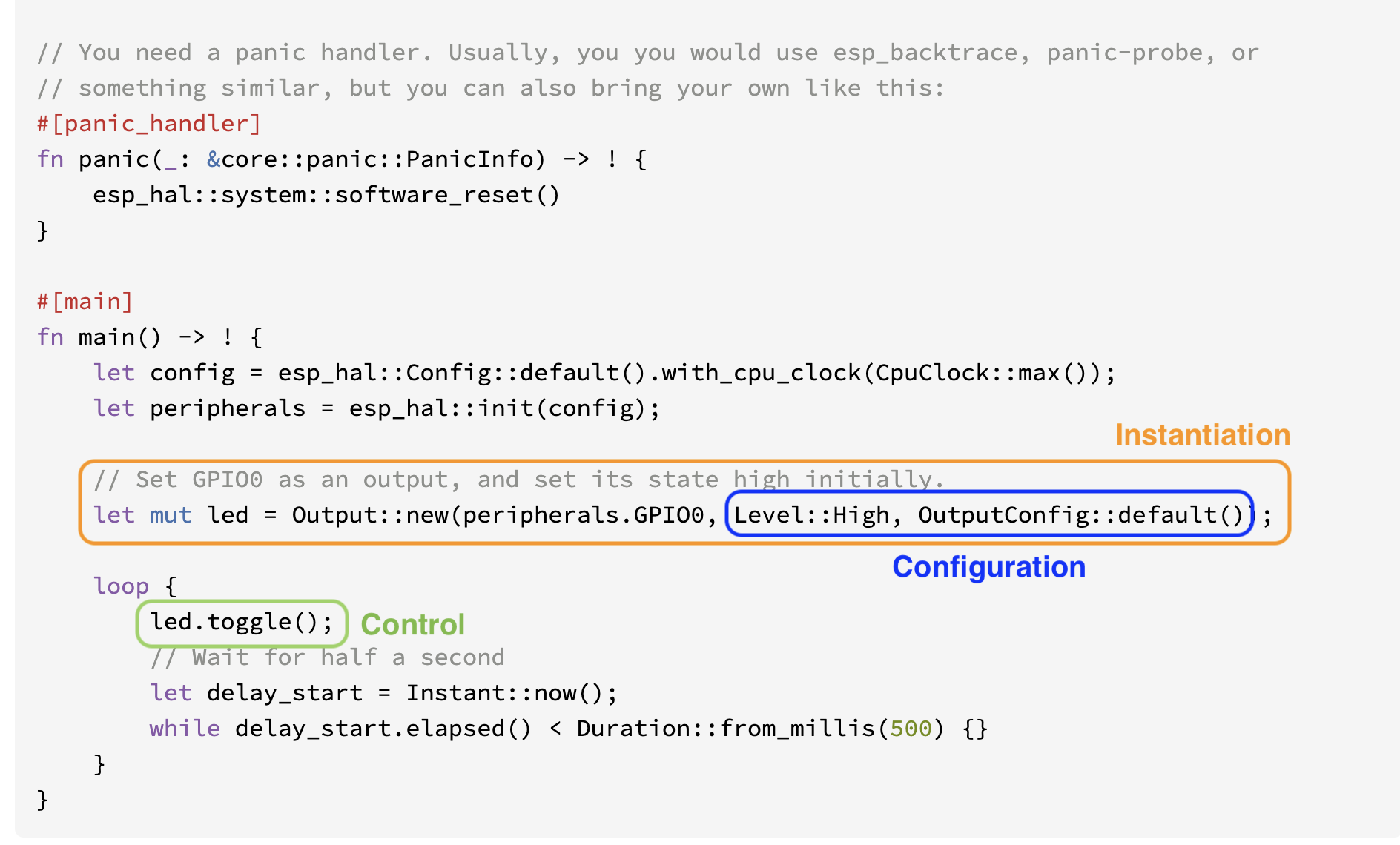
You now have a mental model: Create → Configure → Control. Let's turn that into a practical skill — reading embedded Rust documentation efficiently.

Anatomy of a docs.rs Page

When you open a struct page on docs.rs (like esp_hal::gpio::Output), here's what you'll find:

1. Module Path (top of page)

esp_hal::gpio → Output

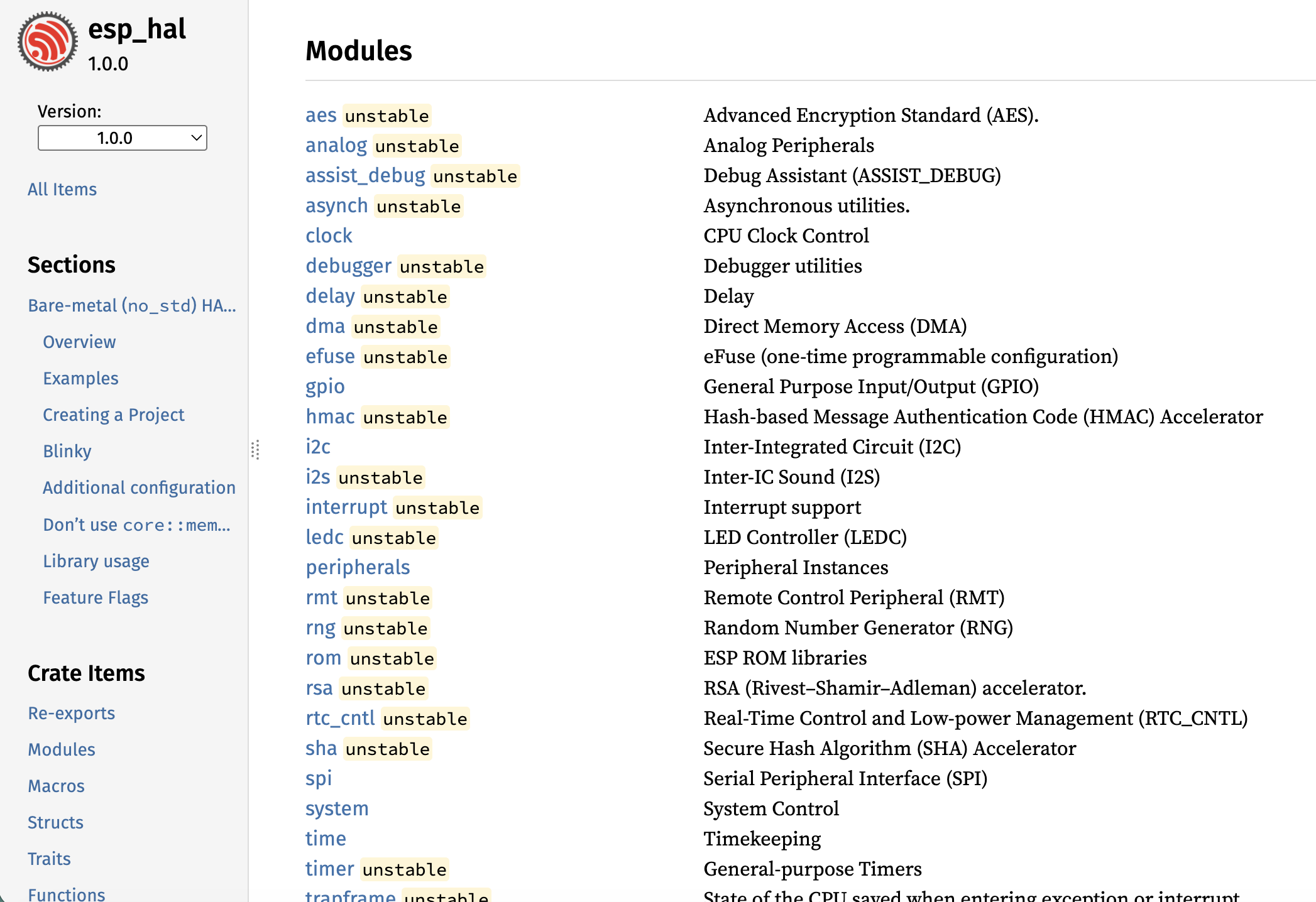
This tells you where you are in the crate's hierarchy. The module path is your navigation breadcrumb.

2. Struct Definition

Shows the type parameters and fields (if public). Tells you what the struct is.

3. Implementations (impl Output)

This is where Create and Control live. Look for:

  • new() or builder() — how to create an instance
  • Control methods — set_high(), toggle(), get_level(), etc.

4. Trait Implementations (impl OutputPin for Output)

These are the portable methods. If a struct implements embedded_hal::digital::OutputPin, you know it has set_high() and set_low() — and you know those methods will exist on any HAL, not just esp-hal.

5. Associated Types and Enums

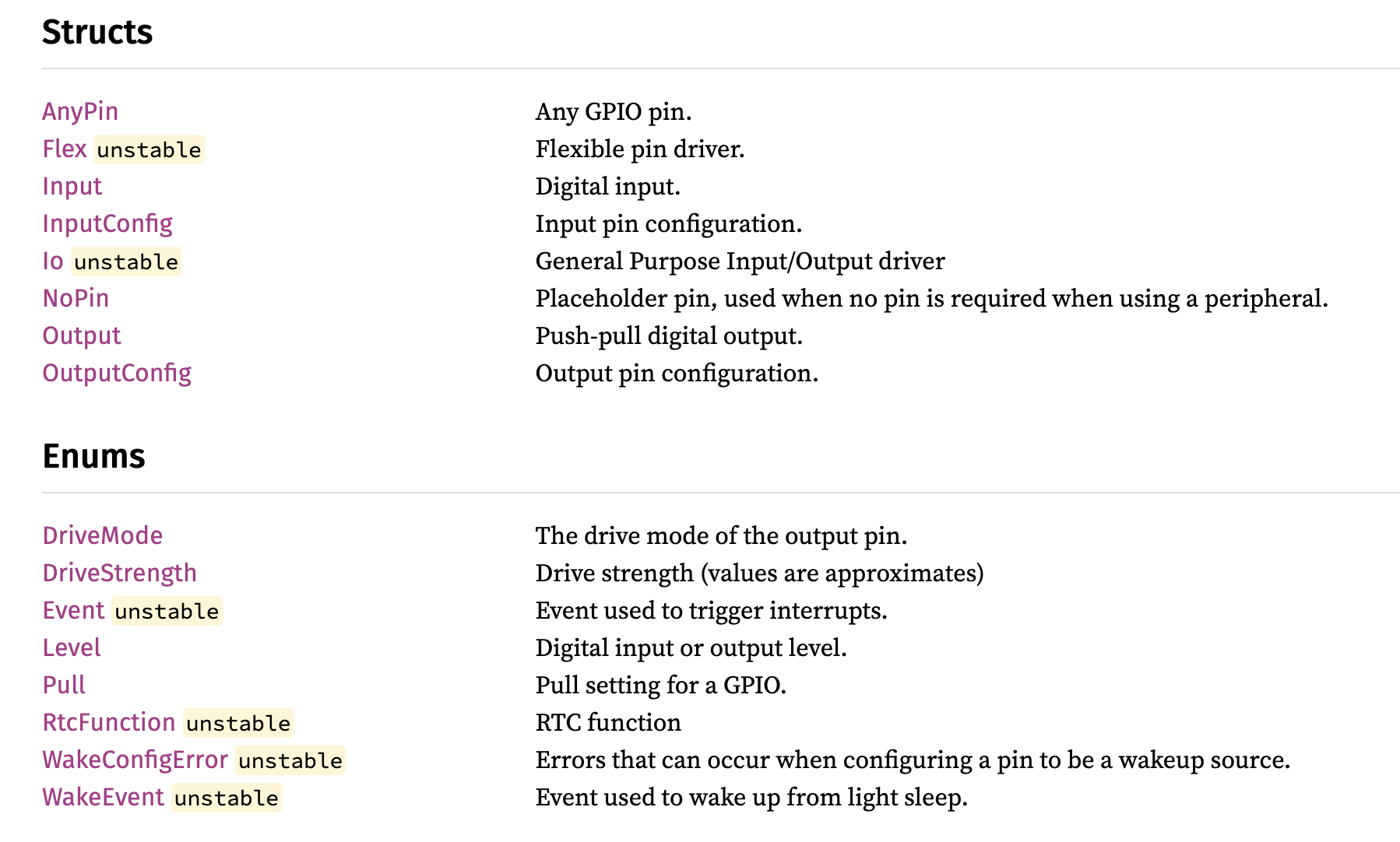
Click through to OutputConfig, DriveStrength, Pull, etc. This is where Configure lives.

1. Start at the **struct** page → find `new()` (Create)
2. Click through to the **Config struct** → explore fields and enums (Configure)
3. Scroll to **Trait Implementations** → find control methods (Control)
4. Check the **module page** → see related types you might have missed

HAL Docs vs. Driver Crate Docs

They look the same on docs.rs, but the context is different:

HAL Docs (esp-hal)Driver Crate Docs (e.g., icm42670)
CreateTakes pins + peripheral instancesTakes an I2c or Spi bus (generic!)
ConfigureChip-specific settings (pin mode, clock speed)Device-specific settings (sample rate, range)
ControlLow-level operations (write bytes, read registers)High-level operations (read acceleration, read temperature)
Trait implsImplements embedded-hal traitsUses embedded-hal traits as bounds
When a driver crate's `new()` takes `impl I2c` as a parameter, that's your signal: this driver is **hardware-agnostic**. It will work with any chip that implements the `I2c` trait. This is the embedded-hal abstraction doing its job.

Finding Examples

Examples are your starting point for every exercise. Here's where to find them:

Workshop Repo (primary)

All exercise starting points are in the examples/ directory of this workshop's repository. These are tested, working code that you'll adapt.

esp-hal Repo (side exploration)

The esp-hal GitHub repo has examples organized by category:

examples/
├── interrupt/gpio/     ← GPIO interrupt example
├── peripheral/spi/     ← SPI examples
├── async/embassy_*/    ← Async/Embassy examples
└── ...

Driver Crate READMEs

Most driver crates include usage examples in their README or docs.rs documentation. Check both.

The Workshop Workflow

Every hands-on module will follow this flow:

┌─────────────────────┐
│  1. READ the example │ ← Working code in the workshop repo
│     in the repo      │
├─────────────────────┤
│  2. UNDERSTAND it    │ ← Map it to Create → Configure → Control
│     using the docs   │
├─────────────────────┤
│  3. ADAPT it         │ ← Change config, try different controls,
│     to do something  │   use what you found in the docs
│     different        │
├─────────────────────┤
│  4. EXTEND it        │ ← Stretch goals: navigate unfamiliar
│     (stretch goal)   │   documentation on your own
└─────────────────────┘

The example shows one way to use a peripheral. The docs show all of them. Your job is to explore.

Ready? Let's get our hands dirty with GPIO.